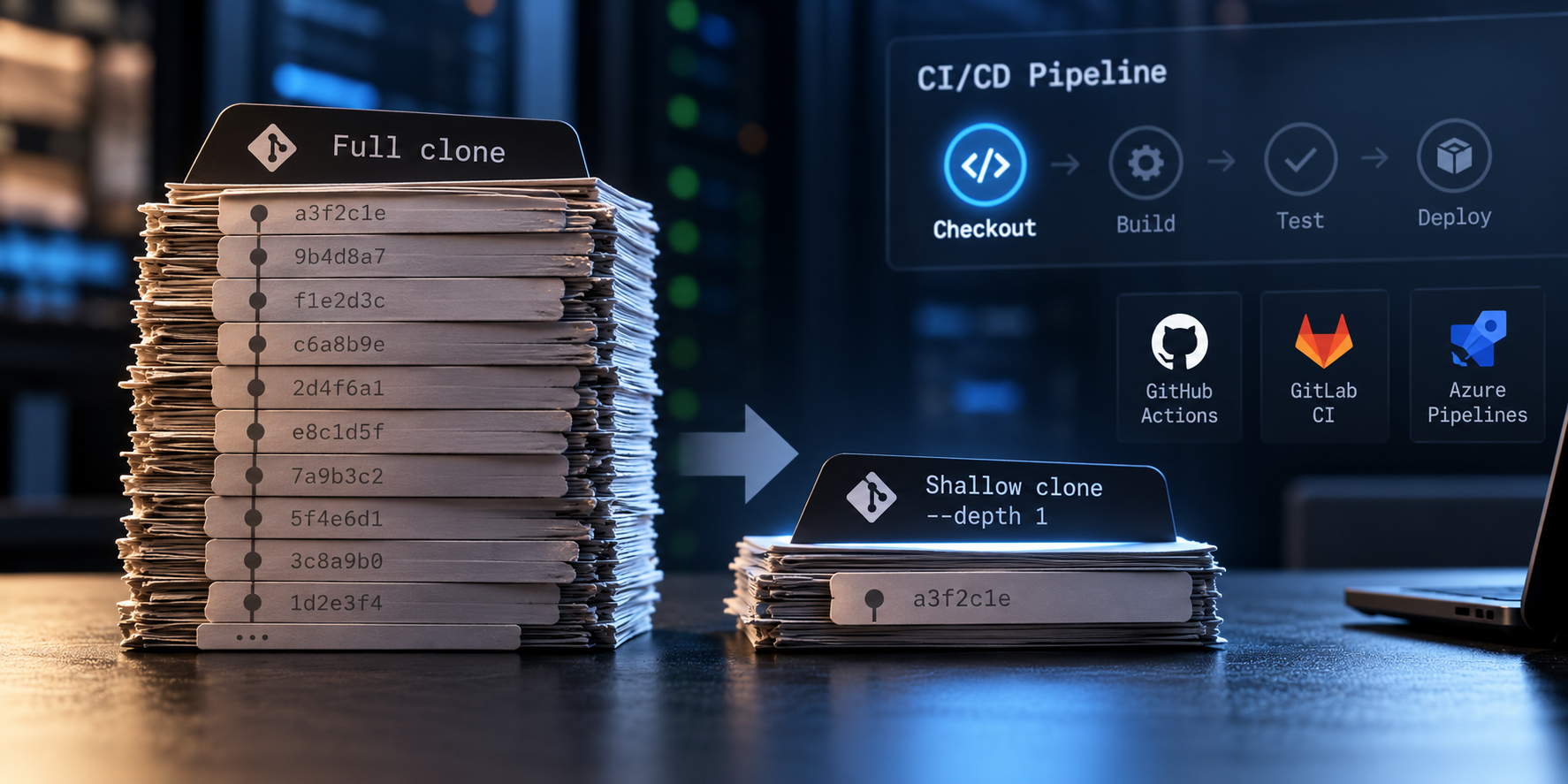
Shallow Git Clones: An Often-Overlooked CI/CD Optimization
Today, my ISP left me without internet for the entire afternoon. My desktop doesn’t have a Wi-Fi adapter, so I switched to my backup laptop and connected through my phone’s 5G hotspot.
While refreshing my development environment, I started thinking about mobile data consumption. I needed to clone a few repositories, but downloading their entire Git history seemed unnecessary.
That’s when I remembered a small Git option:
| |
It retrieves just the latest commit on the selected branch, rather than its complete history.
Nothing particularly sophisticated, but it reminded me of an optimization we sometimes overlook in CI/CD pipelines.
How much Git history does a pipeline really need?
Think about a typical pipeline. It checks out source code, installs dependencies, runs tests, builds an artifact, and perhaps deploys it.
In many cases, everything operates on a single commit. The pipeline doesn’t need to know what happened hundreds or thousands of commits ago.
Yet a conventional Git clone downloads the repository’s reachable history.
For small repositories, the difference might be negligible. For repositories with years of development and large historical objects, fetching unnecessary history can consume bandwidth, disk space, and time.
This is especially relevant with ephemeral CI runners, where each execution starts with a fresh workspace.
Of course, shallow cloning doesn’t reduce the size of the current working tree. If the repository contains large files today, they still need to be downloaded.
Applying this to CI/CD platforms
Most CI platforms already support shallow checkouts, often without requiring a manual Git command.
GitHub Actions
| |
GitHub Actions already defaults to fetching a single commit through actions/checkout. Setting fetch-depth: 1 makes that intention explicit.
GitLab CI
| |
GitLab supports configuring the checkout depth globally or per job. Newly created projects currently default to a shallow depth of 20, so it’s worth checking the existing configuration first.
Azure Pipelines
| |
Azure Pipelines supports shallow fetching directly in its checkout configuration. Disabling tag synchronization can also avoid unnecessary transfers when tags aren’t required.
These are straightforward configurations, but I wouldn’t apply them without checking whether the pipeline actually needs historical Git data.
A practical example: IBB Kids
One of my projects, IBB Kids, is a small React and Express application deployed to a Linux VM through GitHub Actions.
Unlike pipelines that clone a repository into a fresh runner on every execution, its deployment workflow maintains persistent Git working copies on the target server.
The relevant part looks like this:
| |
The workflow fetches the branch and checks out the exact commit associated with the deployment.
Since the repository already exists on the server, Git generally transfers only missing objects. This is different from repeatedly performing full clones on ephemeral runners.
There’s also an important detail: the target SHA may no longer be the latest commit by the time the deployment runs. Limiting the fetch to a single branch-tip commit could make that SHA unavailable locally.
For this reason, I wouldn’t blindly introduce --depth 1 into this particular workflow. Its existing design has different requirements, and I haven’t measured whether a shallow fetch would improve anything.
It’s a useful example of why checkout behavior should be evaluated in context.
Where shallow cloning can become a problem
Some pipelines depend on information beyond the current commit:
- Versioning: Tools such as
git describemay require historical commits and tags. - Release automation: Changelogs and release notes may depend on commit history.
- Change detection: Comparing branches or commits requires the relevant history and merge bases.
- Static analysis: Some tools use Git metadata to attribute changes or identify newly introduced code.
- Retries and delayed jobs: Particularly in GitLab CI, an overly shallow fetch can make an older target commit unavailable.
If a pipeline needs that information, a deeper checkout or full history may be justified.
For example, in GitHub Actions:
| |
This retrieves the full history and tags covered by the checkout action.
The risk with shallow cloning is that some problems aren’t obvious. A build might succeed while a versioning or release-related operation produces incomplete results.
Optimize what matters
My internet outage was a reminder that network transfer isn’t free. On a mobile hotspot, the constraint was immediately visible. In CI/CD environments, unnecessary transfers are easier to overlook because the infrastructure handles them automatically.
But optimizing checkout depth only makes sense if it addresses a meaningful cost.
I would look at checkout duration, transferred data, and total pipeline execution time before considering the change worthwhile. A faster clone may not matter much if dependency installation or testing dominates the workflow.
And if a job downloads additional history later, the initial savings may disappear.
My preference is to fetch as much Git history as the workflow needs, and no more.
A small configuration detail won’t transform every pipeline. But questioning routine operations, even something as ordinary as cloning a repository, is part of keeping our systems efficient and understandable.
Sometimes, all it takes to revisit an old assumption is an afternoon without internet.
Comments are disabled until you accept functional cookies.